How to Migrate Legacy PBX Without Downtime
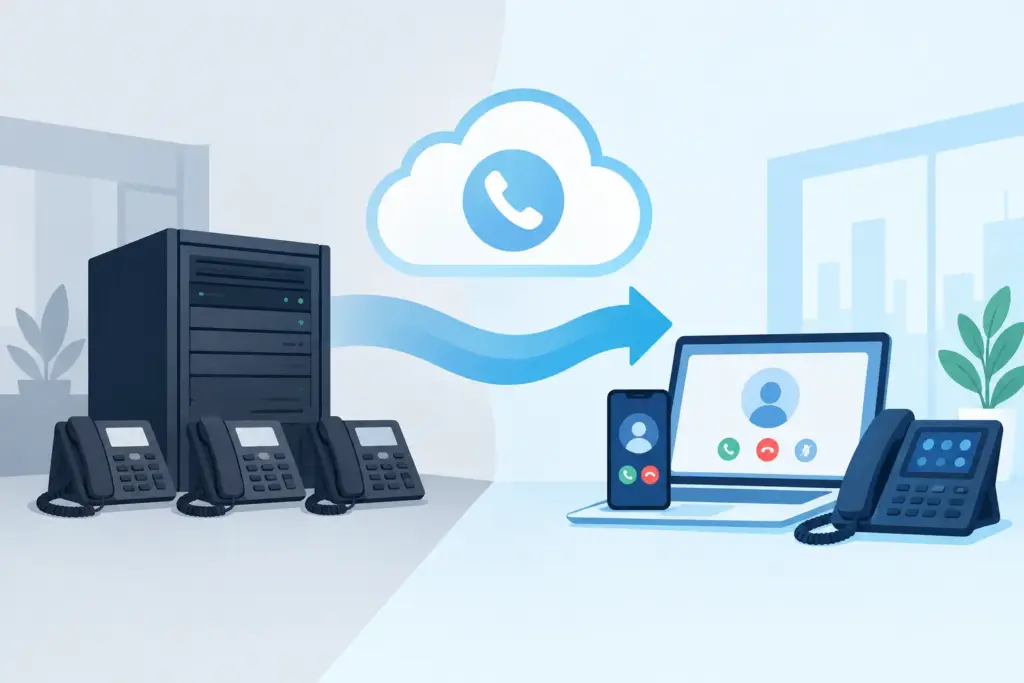
A legacy PBX rarely fails at a convenient time. It becomes expensive to support, difficult to integrate, and increasingly exposed to carrier, hardware, and staffing risk while the business still depends on every extension and inbound number. Knowing how to migrate legacy PBX is therefore not a phone-system replacement exercise. It is a continuity program that must protect customer access, employee productivity, emergency calling, and revenue-producing call flows.
For enterprise organizations, the objective is not simply to move dial tone to the cloud. The objective is to establish a carrier-grade communications foundation that supports distributed teams, Microsoft Teams calling, contact center workflows, AI voice automation, and centralized administration without interrupting operations.
Start with the operational model, not the platform
A legacy PBX inventory is necessary, but inventory alone does not reveal the real migration scope. IT teams need to understand how voice supports business processes at each location. A main number may terminate on the PBX, but its calls could route through an auto attendant, overflow to a contact center, trigger an after-hours answering service, or reach an analog device in a loading dock.
Map every call path before selecting a cutover date. This includes direct inward dialing ranges, toll-free services, hunt groups, auto attendants, call queues, voicemail, call recording, paging, fax, elevator phones, alarm lines, conference rooms, and emergency locations. Document carrier contracts, circuit types, porting authority, billing account details, and any number blocks shared across sites.
The discovery phase should also identify the systems that depend on telephony. Customer relationship management platforms, help desk applications, contact center software, Microsoft Teams, Cisco environments, and door-access systems often have dependencies that are invisible in a standard PBX report. A migration plan built around extensions instead of workflows can leave customer-facing operations exposed.
Define what cannot go down
Not every user group needs the same migration design. A back-office team may tolerate a scheduled after-hours transition. A healthcare scheduling line, financial trading desk, emergency dispatch function, or high-volume contact center cannot. Establish service tiers and assign each location, number, queue, and application to a tier.
For critical services, require parallel operation, tested failover, and a documented rollback path. This is where zero-downtime migration becomes an engineering discipline rather than a marketing claim. The legacy PBX and the new cloud environment may need to coexist while users, numbers, and call flows move in controlled waves.
How to migrate legacy PBX in controlled phases
A phased migration reduces risk because it limits the blast radius of each change. It also gives the implementation team a chance to validate call quality, routing logic, user behavior, and carrier processes before moving the highest-impact groups.
Build the target voice architecture
Choose the destination architecture based on operational requirements, not a generic feature checklist. Some organizations need a unified cloud communications platform for voice, messaging, SMS/MMS, fax, and collaboration. Others need carrier calling integrated directly into Microsoft Teams while retaining existing contact center or collaboration investments.
The target design should define carrier connectivity, session border controller requirements, survivability strategy, number management, security controls, quality-of-service policies, and administration roles. For multi-site organizations, determine whether each office needs local survivability during a WAN event or whether redundant internet paths and cloud carrier routing provide the appropriate resilience model.
A strong design also accounts for geographic redundancy. Multi-carrier routing can protect inbound and outbound calling when a carrier path or regional network segment fails. That redundancy matters most when voice is a primary customer-access channel, not an optional office utility.
Prepare the network before moving users
Cloud calling quality depends on the network path between endpoints, internet access, carrier infrastructure, and applications. Test each site for latency, jitter, packet loss, bandwidth availability, Wi-Fi performance, and firewall behavior. Voice traffic should receive appropriate quality-of-service treatment, particularly at locations where large downloads, video traffic, or guest networks compete for bandwidth.
Do not assume that a successful speed test proves voice readiness. A circuit can show ample downstream bandwidth while still producing intermittent jitter that makes conversations difficult. Monitor performance over time and during peak business periods. Validate headset compatibility, desk phone provisioning, mobile client behavior, and conference-room calling as part of readiness testing.
Security deserves equal attention. Apply identity controls, multifactor authentication where applicable, administrative role separation, fraud monitoring, session border protections, and a clear process for responding to suspicious international or premium-rate calling. Moving to cloud communications can improve control, but only when governance is configured intentionally.
Migrate pilot groups and validate real call flows
Start with a representative pilot group rather than the simplest possible group. Include a mix of desk-phone users, remote workers, Microsoft Teams users, reception staff, supervisors, and users who receive or transfer external calls. The pilot should test the conditions that create the most operational pressure.
Validate inbound and outbound dialing, caller ID, transfers, voicemail, emergency calling, queues, business-hours rules, mobile connectivity, and integration behavior. If a contact center is involved, test agent states, queue reporting, recording, screen pops, supervisor workflows, and overflow handling. Test failure scenarios as well: internet degradation, user login issues, carrier impairment, and calls placed outside normal hours.
Success should be measured against operational criteria, not whether a few test calls connect. Review call quality data, abandoned-call trends, help desk tickets, user feedback, and time-to-resolution for issues. Adjust templates and support procedures before expanding to the next wave.
Port numbers with a rollback-aware plan
Number porting is often the most visible point of risk because customers associate the business with its established numbers. Porting timelines vary by carrier, service type, geography, account accuracy, and whether numbers are attached to complex legacy services. Treat every port request as a controlled change with clear ownership and validation checkpoints.
Maintain a detailed porting schedule that identifies each number range, losing carrier, gaining carrier, authorized signer, customer service record, and expected activation window. Confirm that temporary call forwarding or parallel routing is available where needed. For high-value numbers, establish an escalation path with carriers and test inbound routing immediately after activation.
A rollback plan does not always mean reversing a port instantly. In some cases, the better fallback is to redirect calls through a predetermined route, activate alternate numbers, or shift staff to a backup queue. The right approach depends on carrier capabilities and the criticality of the call flow. What matters is that the response is designed before the port window opens.
Make adoption part of the migration design
The technical cutover can be successful while the operational rollout fails. Employees need concise, role-based guidance on the functions they use every day: placing calls, transferring calls, accessing voicemail, setting presence, using mobile clients, and handling customer conversations during an outage or escalation.
Avoid a one-size-fits-all training session. Receptionists, contact center agents, executives, field teams, and IT administrators each work differently. Provide short workflows, floor support during early migration waves, and a defined escalation channel. When users know where to get help, IT avoids being overwhelmed by routine questions that can distract from true service issues.
Centralized administration creates a second adoption opportunity. Standardize naming, call queue templates, business-hour policies, user provisioning, and reporting so new locations and acquisitions can be brought into the communications environment without rebuilding configuration from scratch.
Use the migration to remove communications friction
Replacing a legacy PBX without improving the customer experience leaves value on the table. Once voice is centralized, organizations can consolidate fragmented tools and automate routine call handling. AI voice agents can answer common questions, schedule appointments, capture intent, route urgent calls, and resolve basic requests without placing customers on hold.
That does not mean every call should be automated. Complex, sensitive, or high-value conversations still require skilled employees. The practical model uses automation for repetitive demand and gives live teams better context for the conversations that require judgment. This can reduce queue pressure while improving response speed.
For organizations using Microsoft Teams, carrier-integrated calling can also reduce the disconnect between collaboration and external communications. Employees can call customers from the environment where they already message, meet, and coordinate work, while IT retains enterprise controls over numbers, routing, compliance, and service quality.
Treat post-cutover support as a deployment phase
The first weeks after migration reveal conditions that lab testing cannot fully reproduce. Watch call-quality trends by site and carrier, monitor failed registrations and routing exceptions, review queue performance, and identify repeated support requests. A dedicated hypercare period gives the implementation team time to correct configuration issues before they become accepted workarounds.
Keep legacy services active only as long as the validated rollback plan requires. Extended overlap increases cost and administrative complexity. Once call flows, porting, emergency services, integrations, and user operations are stable, decommission obsolete equipment and carrier circuits methodically.
A well-executed PBX migration creates more than a lower-maintenance voice environment. It gives the organization a communications architecture that can adapt as locations change, customer demand rises, and teams adopt new collaboration and automation workflows. The most reliable path is to treat every call as a business process worth protecting, then engineer the new environment around that reality.